
Paint.NET Download – Features and Installation Guide
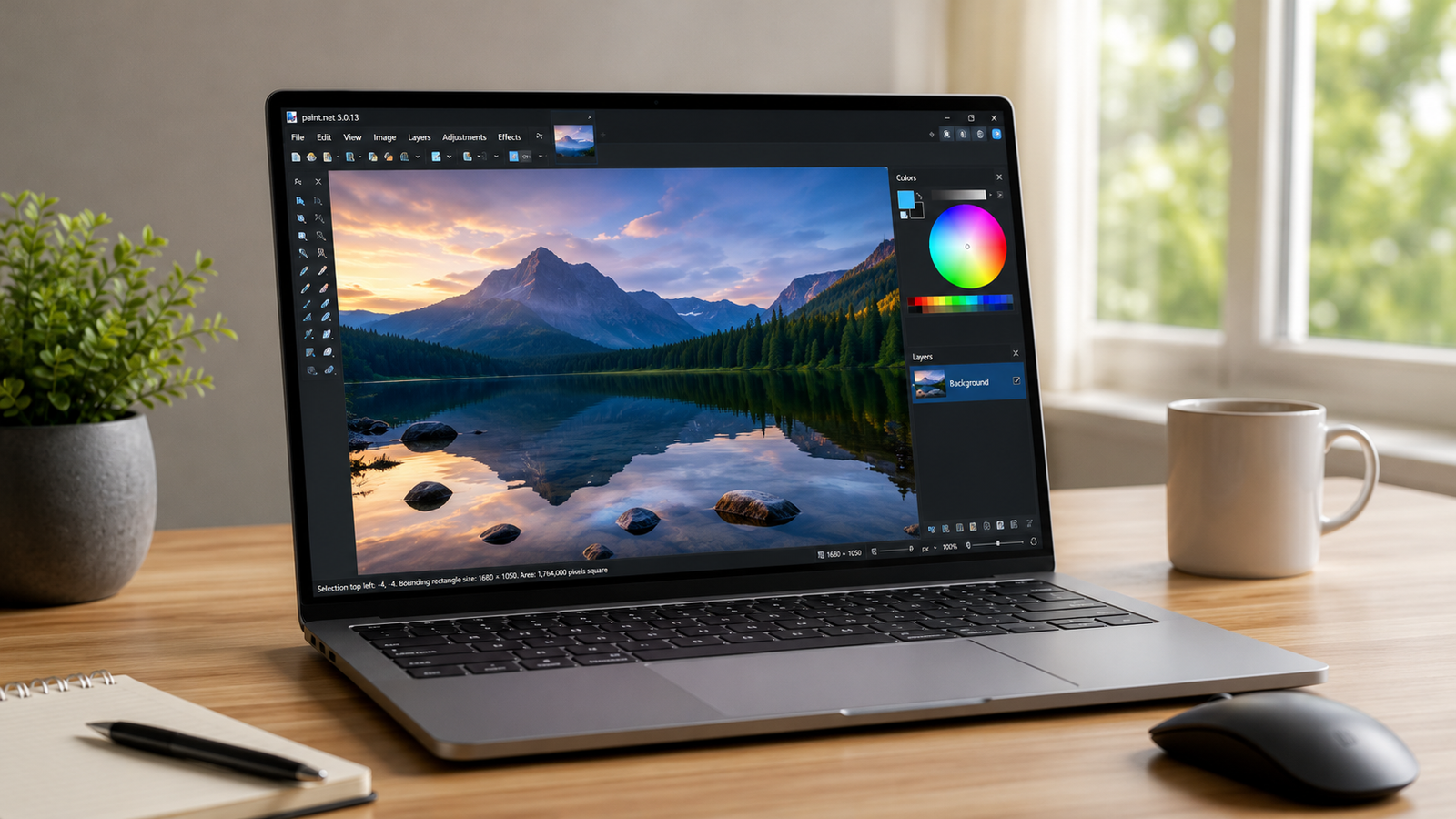
In this guide from EP Apk, you will learn how to download Paint.NET safely, check whether your computer meets the requirements, install the program, and explore its most useful features.
What Is Paint.NET?
Paint.NET is an image and photo editing application designed for Windows computers. It began as a simpler alternative to Microsoft Paint and has developed into a capable editor with layers, adjustments, special effects, and a variety of tools.
Its interface is designed to be approachable for beginners while offering useful editing controls for more experienced users. You can use it for everyday photo corrections, graphics for websites, simple thumbnails, and other image projects.
Paint.NET is a Windows desktop program, not an official Android or macOS application. If you use another operating system, check compatibility before attempting an installation.
Paint.NET Download: Official Source
The safest way to get Paint.NET is to use the developer’s official download page. This helps you avoid modified installers and unofficial download sites.
Official Paint.NET Download
Visit the official website to review the available version, supported Windows systems, and installation options.
Note: If the address redirects or changes, use the official website at getpaint.net.
At the time of writing, the official website lists Paint.NET 5.1.12. Version availability can change, so check the official page for the latest release before installing.
Paint.NET System Requirements
Before downloading, check your computer’s hardware and Windows version. Current Paint.NET releases have more specific requirements than older versions.
| Requirement | Details |
|---|---|
| Operating system | Windows 11, Windows 10 version 21H2 or newer, or Windows Server 2022 |
| Processor | 64-bit Intel/AMD x64 with AVX2, or ARM64, with at least four cores according to the current requirements |
| Graphics | A GPU supporting Direct3D 11 |
| Storage | Free disk space for the application and temporary editing history; an SSD is recommended by the developer |
| Additional software | The required .NET runtime is included with the application |
These details reflect the requirements published by the developer and may change with future releases. Check the official system requirements if you are unsure about your computer.
How to Install Paint.NET on Windows
Follow these steps to install the program using its official source.
- Open the official website. Visit the Paint.NET download page using the link provided above.
- Choose the desktop download. Review the available options and select the classic desktop version if you want the free desktop release.
- Download the installer. Wait for the download to finish before opening the file.
- Run the installer. Open the downloaded installer and follow the on-screen instructions. Windows may ask you to confirm that you want to allow the installation.
- Complete setup. Review the installation options and allow the setup process to finish.
- Launch Paint.NET. Open the application from the Start menu and begin editing an image.
Only run installers obtained from the official website or another trusted, authorized source. Avoid repackaged installers that promise unlocked premium features or include unrelated programs.
Paint.NET Features
1. Layers for Flexible Editing
Layers let you combine multiple visual elements while keeping them separate. They are useful for creating simple banners, combining images, adding text, and making changes without rebuilding the entire composition.
2. Photo Adjustments and Special Effects
Paint.NET includes tools for changing image appearance, correcting colors, and applying effects. The available options can help you improve ordinary photos or create a particular visual style.
3. Multiple Images in Tabs
The tabbed interface makes it easier to switch between open images. This is convenient when you are comparing photographs or preparing several graphics for a website.
4. History and Undo
The History window lets you revisit earlier editing actions during a session. You can experiment with adjustments and return to a previous state when an edit does not look right.
5. Support for Common Image Formats
Paint.NET supports common formats such as PNG and JPEG, along with its native PDN format for projects that use layers. Additional file types may be supported through plugins.
6. Plugins and Community Resources
Community-created plugins can extend the application’s capabilities. Because plugins come from different authors, review their source and reputation before installing them.
For a full overview, visit the official Paint.NET features page.
Is Paint.NET Free?
Paint.NET offers a free classic desktop release through its official website. There is also a paid Microsoft Store edition, which provides another way to obtain the application and support its continued development.
Check the price and licensing details shown on the official download page before choosing an edition. Do not assume that every third-party download labelled “Paint.NET Pro” or “Premium” is official.
Paint.NET vs. Other Image Editors
The best image editor depends on your workflow, operating system, and the complexity of your projects.
| Editor | Best suited for | Platform notes |
|---|---|---|
| Paint.NET | Everyday photo editing, layers, and simple graphics | Windows |
| GIMP | Advanced image manipulation and more complex workflows | Windows, macOS, and Linux |
| Microsoft Paint | Basic drawing and quick image edits | Windows |
These tools serve different needs, so the most suitable option depends on the features you actually use. You can also read our upcoming GIMP download guide once it is published.
Common Paint.NET Problems and Fixes
The Installer Will Not Run
Check that you downloaded the installer from the official source and that your Windows version meets the current requirements. If Windows displays a security warning, verify the publisher and file source instead of ignoring the warning.
Paint.NET Runs Slowly
Close applications you do not need, make sure Windows and your graphics drivers are up to date, and try working with a smaller image if the original is very large. Performance also depends on your hardware and the effects you apply.
An Image Format Will Not Open
Confirm that the file format is supported by your installed version. Some formats may require a suitable plugin. Obtain plugins from reputable sources and follow their installation instructions carefully.
You Cannot Find a Feature from a Tutorial
The interface and available tools can differ between versions or plugins. Check the version number shown in the application and consult the official documentation for instructions that match your release.
Frequently Asked Questions
Is Paint.NET safe to download?
It is safest to download Paint.NET from its official website. Avoid unofficial installers, modified packages, and files that request unnecessary permissions.
Can I use Paint.NET on Android?
Paint.NET is a Windows desktop application and does not have an official Android version. Android users should choose an image editor designed for mobile devices.
Does Paint.NET work on macOS?
Paint.NET is officially designed for Windows. It does not provide a native macOS edition. Do not assume that unofficial compatibility methods are supported by the developer.
Is Paint.NET suitable for beginners?
Yes. Its approachable interface and familiar editing tools make it a reasonable starting point for basic photo editing, layers, and simple graphics.
Does Paint.NET support layers?
Yes. Layers let you organize and edit different parts of a composition separately, which is useful for graphics and more flexible photo edits.
Can Paint.NET open PSD files?
Do not assume native support for every Photoshop PSD file. Compatibility may depend on the file and available plugins. If PSD support is essential, verify the current options before relying on Paint.NET for that workflow.
Where can I get Paint.NET updates?
Use the official website or the update mechanism associated with your installed edition. Official updates help you receive supported improvements and fixes.
Final Verdict
Paint.NET is a useful choice for Windows users who want a straightforward image editor with layers, photo adjustments, and special effects. It can handle many everyday editing tasks without requiring a complicated professional workflow.
Before installing, confirm that your computer meets the current system requirements and choose the official download source. If you are exploring more software guides, keep following EP Apk for practical information about applications, games, installation, and safe downloads.