
Is Itch.io Safe to Download Games From? Safety Guide
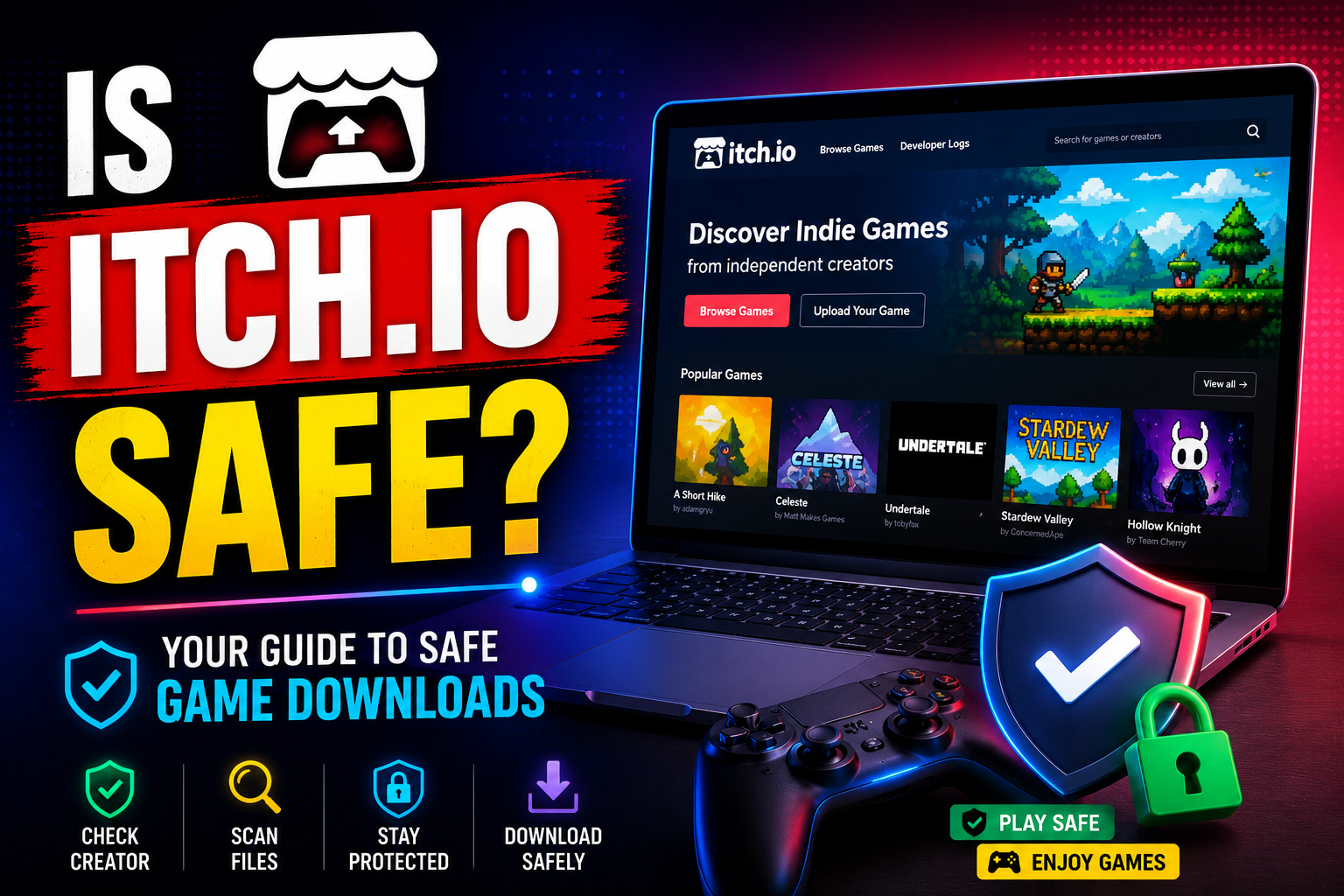
Unlike a store where most releases follow a more centralized publishing process, itch.io allows independent creators to publish their own projects. That variety is one of its biggest advantages, but it also means you should evaluate individual games before downloading or running them.
In this guide from EP Apk, you will learn how itch.io works, how to identify suspicious downloads, whether its desktop app can help, and what to do before opening a game on your computer.
What Is itch.io?
itch.io is an online marketplace for independent digital creators, with a strong focus on indie games. Developers can publish games and other digital projects, set prices, offer free downloads, and build pages for their work.
You can find many different types of content, including:
- Indie games created by small development teams.
- Free games and experimental prototypes.
- Game-jam entries and short projects.
- Browser games that run without a traditional installation.
- Paid games, creative tools, and other digital projects.
The platform’s open publishing model makes it attractive to players looking for games outside mainstream stores. At the same time, it is important to remember that a project’s presence on a well-known platform does not automatically prove that every file is harmless.
For more information, visit the official itch.io About page.
Is itch.io Safe to Download Games From?
Generally, itch.io is a legitimate place to discover games, but you should assess each download individually. A trusted platform can provide useful infrastructure and reporting tools, yet it cannot remove every possible risk associated with software created and uploaded by different people.
Some projects may be made by experienced developers with a clear history and detailed documentation. Others may be early prototypes, anonymous uploads, or files that have received little testing. The level of information available can vary considerably.
Itch.io’s terms prohibit uploading viruses and malicious code. However, rules and moderation are not a guarantee that a harmful file will never appear. Read the official Terms of Service for the platform’s rules.
What makes a download more trustworthy?
- The game page identifies the creator and provides useful project information.
- The download comes directly from the project’s official itch.io page.
- The developer provides screenshots, instructions, version details, or a public development history.
- The files match the operating system and file types described on the page.
- Your security software does not report a credible threat.
These signs can help you make a more informed decision, but none of them is an absolute guarantee of safety.
How to Download Games From itch.io More Safely
1. Use the Official itch.io Website
Start at itch.io and navigate to the game’s project page. Be cautious of websites that imitate itch.io, shortened links from unknown accounts, and pages that redirect you through several unrelated download services.
Whenever possible, obtain the game files from the creator’s itch.io page rather than an unfamiliar third-party file host.
2. Check the Creator and Project Page
Before downloading a game, examine the creator’s profile and the information provided on the project page. Look for a meaningful description, screenshots, supported operating systems, update information, and useful installation instructions.
Community comments and feedback may offer additional context, but they are not proof that a file is safe. A new developer can publish a perfectly legitimate game, and an established account should not be treated as an automatic guarantee either.
3. Read the Installation Instructions
Check which files you are expected to download and how the creator says to launch the game. A simple browser game may need no installation, while a Windows game may be distributed as an executable or a compressed archive.
Stop if the instructions unexpectedly ask you to disable antivirus protection, install unrelated software, enter your account password into an unfamiliar program, or run commands you do not understand.
4. Scan the Files Before Opening Them
Keep your operating system and security software updated. On Windows, you can use Microsoft Defender or another reputable security product to scan a downloaded file before running it.
If a file is flagged, do not immediately ignore the warning. Check the detection details and investigate further. False positives can occur, particularly with unfamiliar or unsigned software, but a warning should never be dismissed simply because the game came from itch.io.
Online multi-engine scanning services may provide additional information, but uploading a file to a third-party service can disclose the file to that service. Do not upload private, confidential, or sensitive files without understanding the service’s terms.
5. Be Careful With Executable Files
Files such as .exe, .msi, and scripts can perform actions on your computer when launched. Their extensions alone do not indicate that they are malicious, but they deserve more care than a screenshot or a text document.
Do not run a game as an administrator unless there is a clear, legitimate reason and you trust the software. Avoid unexpected installers, password-protected archives from unknown sources, and instructions that tell you to bypass security controls.
6. Consider Browser Games When Available
Some itch.io projects support HTML5 and can be played directly in a browser. This can avoid the need to install a traditional desktop executable, making browser play a convenient option when a suitable version exists.
However, browser games are not automatically risk-free. Keep your browser updated, avoid granting unnecessary permissions, and leave suspicious pages if they request unexpected downloads or credentials.
7. Keep Your System Updated
Install security updates for your operating system, browser, and security software. Updates help address known vulnerabilities and reduce the risk of running everyday software on an unprotected system.
If you are testing an unfamiliar indie game, back up important files first. You can also use a separate standard user account or a properly configured virtual machine when you have the technical knowledge to do so.
Is the itch.io Desktop App Safer Than Downloading From a Browser?
itch.io offers an official desktop app for Windows, macOS, and Linux. It can help you discover, download, install, and organize compatible games from your library.
Download it only from the official itch.io app page. On Windows, itch.io documents how to check that its installer is digitally signed. If a file claims to be the official app but does not have the expected digital signature, do not use it.
The desktop app also provides a sandbox feature intended to limit certain actions that a game can perform on your system. This can add protection when supported and correctly configured, but it is not a complete security solution and does not make every game safe.
For details, read the official documentation about the itch.io sandbox and installing the app on Windows.
Warning Signs of a Suspicious Game Download
Be cautious if you encounter any of the following situations:
- The download page redirects you to unrelated sites or repeatedly opens pop-ups.
- The creator asks you to disable antivirus protection before launching the game.
- The archive contains unexpected executables or scripts that are not explained on the project page.
- The installer requests administrator access without a clear reason.
- The game asks for account passwords, payment information, or personal details that are unrelated to its function.
- Your security software reports malware or suspicious behavior.
- The download requires you to install an unknown downloader or browser extension.
If you notice one or more of these warning signs, do not run the file until you have investigated the situation. When in doubt, leave the page and look for a safer, verifiable source.
What Should You Do If You Download a Suspicious File?
- If you have not opened it: Do not run it. Scan the file, review the security warning, and delete it if you cannot establish that it is legitimate.
- If you ran the file: Disconnect from the internet if you suspect active malicious behavior, and run a full scan with reputable security software.
- If you entered a password: From a separate, trusted device, change the affected password and any other passwords that reused it. Enable multifactor authentication where available.
- If you notice unusual activity: Check your account sessions and security alerts. Seek help from a trusted technical professional if the computer continues to behave suspiciously.
- Report the project: Use the reporting options available on itch.io if you believe a page distributes malware or misleads users.
Do not assume that uninstalling a game automatically removes every possible threat. If you suspect serious compromise, follow guidance from your security provider or a qualified professional.
itch.io vs. Other Game Stores: A Safety Comparison
Different stores use different publishing and distribution models. The following table highlights practical considerations rather than claiming that one store is always safer than another.
| Factor | itch.io | Other established stores |
|---|---|---|
| Content variety | Strong focus on independent and experimental projects. | Varies by store, with different publishing models. |
| Creator publishing | Independent creators can publish their own projects. | Review and publishing requirements differ. |
| File safety | Evaluate each project and scan downloads. | Continue using security precautions regardless of store. |
| Best practice | Check the creator, files, instructions, and warnings. | Use official apps and stores and keep software updated. |
The safest approach is to consider the specific game, its source, the permissions it requests, and the behavior of the downloaded files rather than relying on a store’s reputation alone.
Frequently Asked Questions
Is itch.io a legitimate website?
Yes. itch.io is an established marketplace for independent digital creators. However, individual projects are published by different creators, so you should still assess each download before running it.
Can games downloaded from itch.io contain viruses?
A harmful file can potentially appear on any software distribution platform. Download from the official project page, scan files with reputable security software, and never ignore credible malware warnings.
Is the itch.io app safe to install?
Get the app from the official itch.io website. On Windows, verify the installer’s digital signature and keep your security software enabled.
Does the itch.io sandbox guarantee that a game is safe?
No. The sandbox is designed to restrict certain actions, but it has limitations and cannot eliminate every security risk. Keep your operating system updated and be selective about what you run.
Are free games on itch.io safe?
A free price does not establish whether a file is safe or unsafe. Check the creator, read the instructions, and scan the download before opening it.
Can I play itch.io games without downloading them?
Some projects support HTML5 and can run directly in a compatible web browser. Availability depends on the individual game and the options its creator provides.
What should I do if Windows warns me about an itch.io game?
Do not bypass the warning automatically. Check the publisher and file details, scan the file, and investigate the detection. If you cannot verify the file, do not run it.
Final Verdict: Should You Download Games From itch.io?
itch.io is a valuable destination for discovering independent games, prototypes, and creative projects that may not be available in mainstream stores. Its open publishing model offers variety, but it also makes it important to assess individual downloads rather than assuming that every file is safe.
For a safer experience, use the official website or desktop app, review the creator’s page, keep your security software active, scan downloads, and avoid suspicious instructions or unnecessary administrator permissions.
If you enjoy exploring new games, itch.io can be worth visiting. Just make security checks part of your normal download routine.
For more practical technology tutorials and software guides, keep exploring EP Apk.
Official Resources
- Official itch.io website
- Official itch.io desktop app
- itch.io sandbox documentation
- Windows installation and signature verification
- itch.io Terms of Service
Disclaimer: This article is for informational purposes only. No download platform or security tool can guarantee that every file is safe. Always use your own judgment and follow the security guidance provided by your operating system and security software.